

The styles
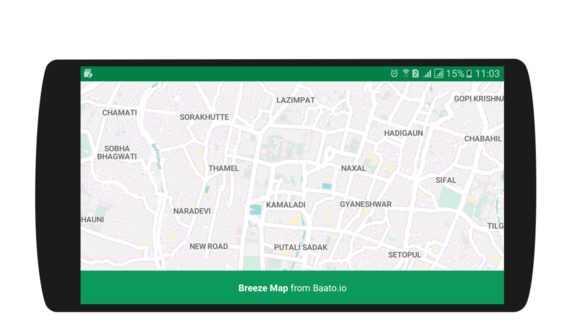
Breeze
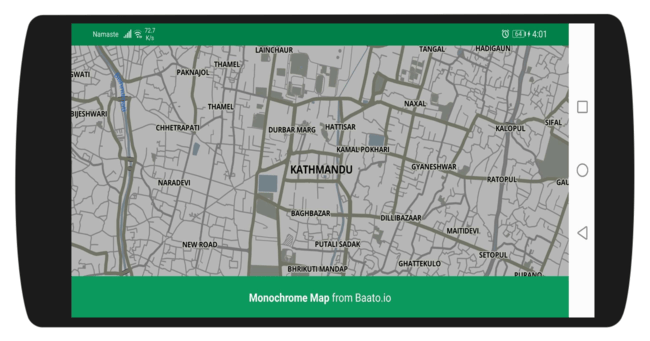
Monochrome
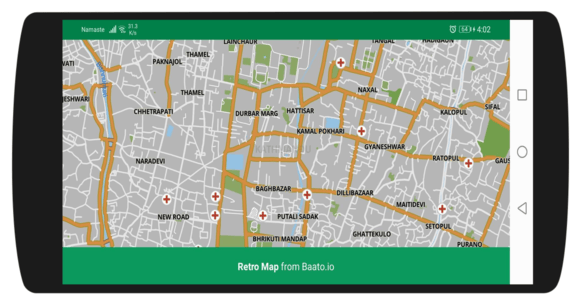
Retro
1
Add the dependency
2
Add a MapView to your layout
3
Set the style URL in onCreate
Pick a tab for the style you want — only the URL changes.
- Breeze
- Monochrome
- Retro
- Your own style
4
Add attribution
Turn off the Mapbox branding and add the Baato logo. Download
the logo into
res/drawable first.Displaying Baato and OpenStreetMap attribution is a condition of use. See
Attribution requirements.
5
Forward the MapView lifecycle
A
MapView leaks if you skip this — every lifecycle callback must be forwarded.Lifecycle boilerplate
Lifecycle boilerplate